
Feb 23
I record a Broadcast and it never shows up.
Closed
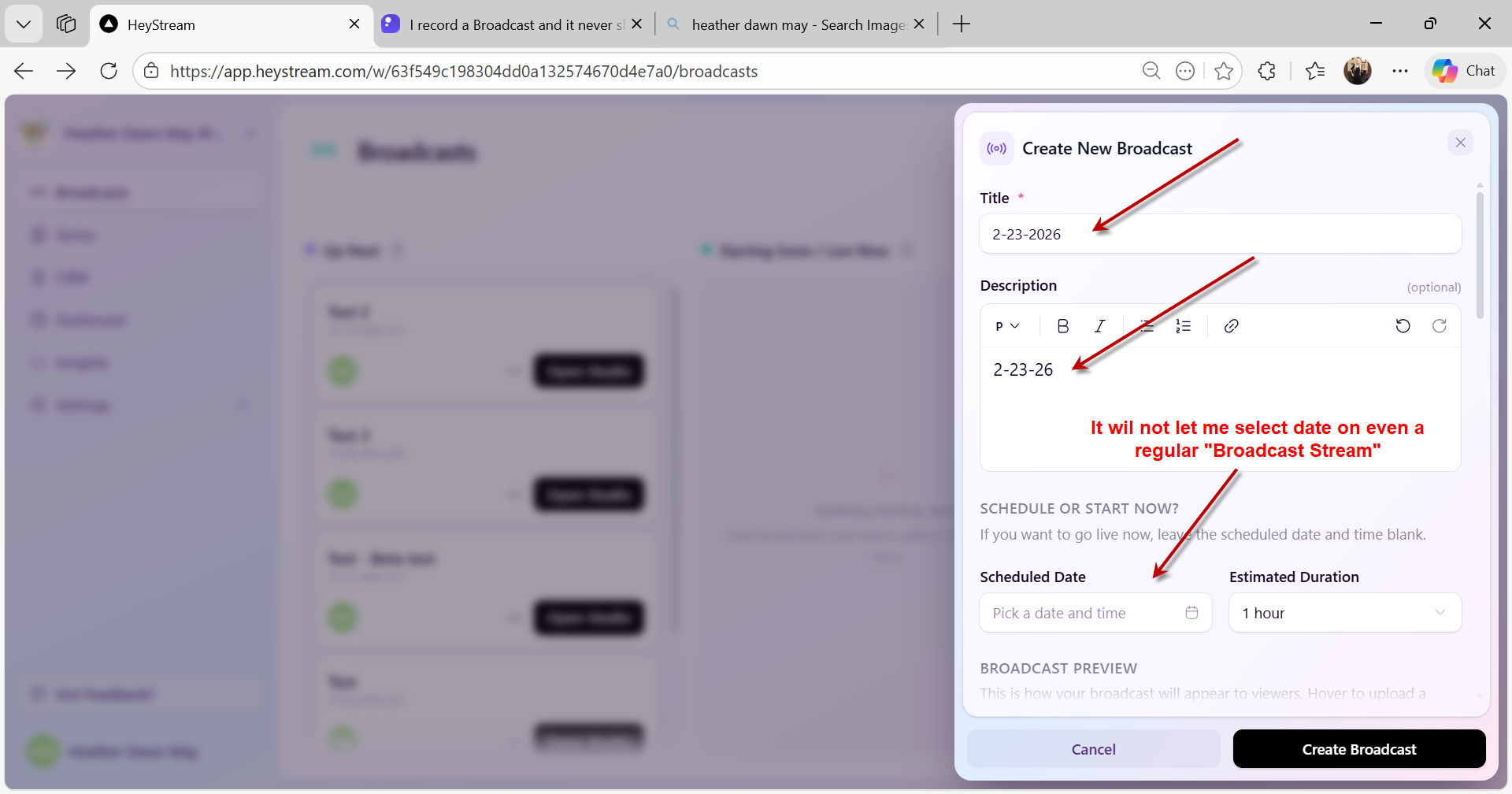
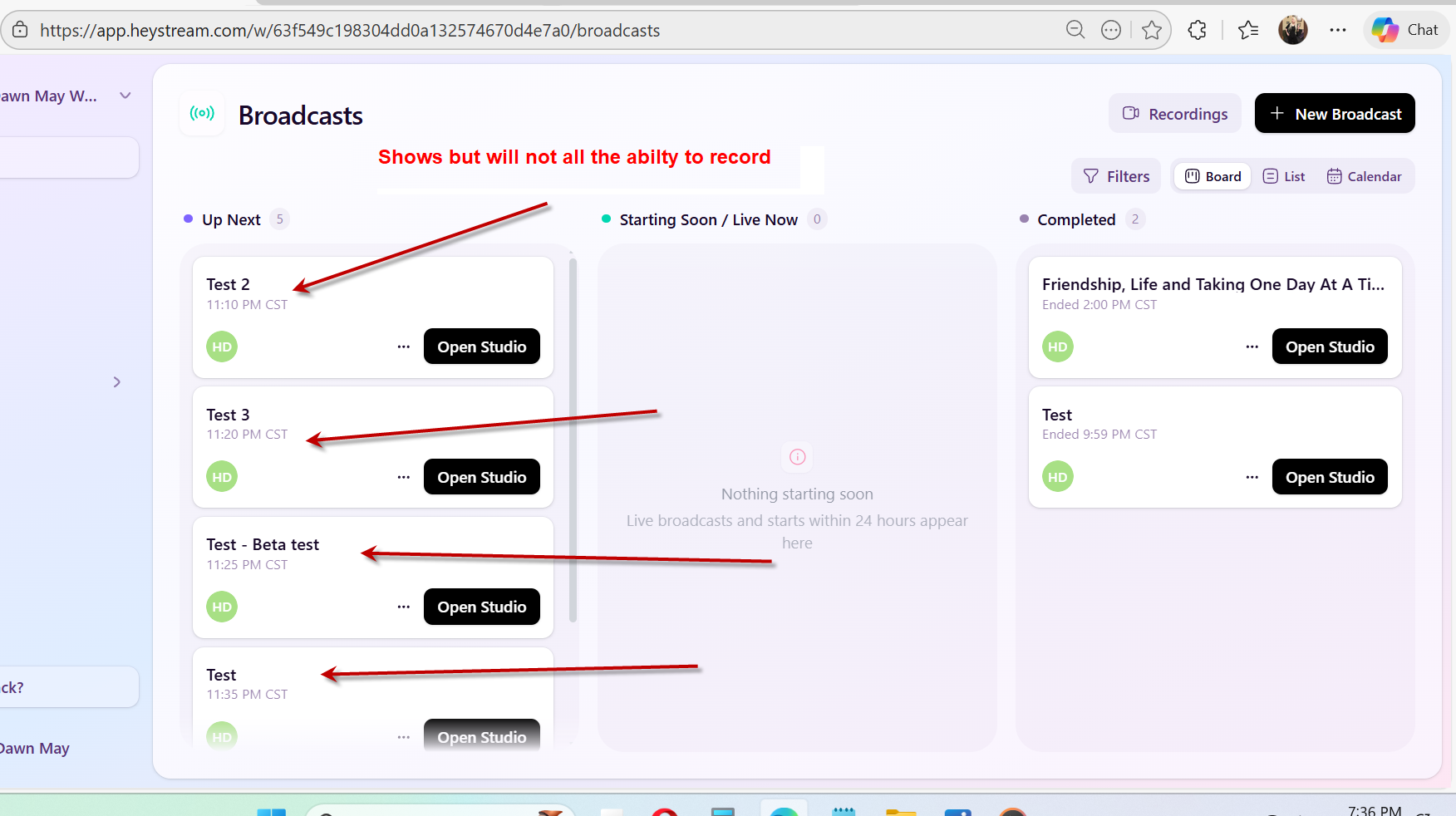
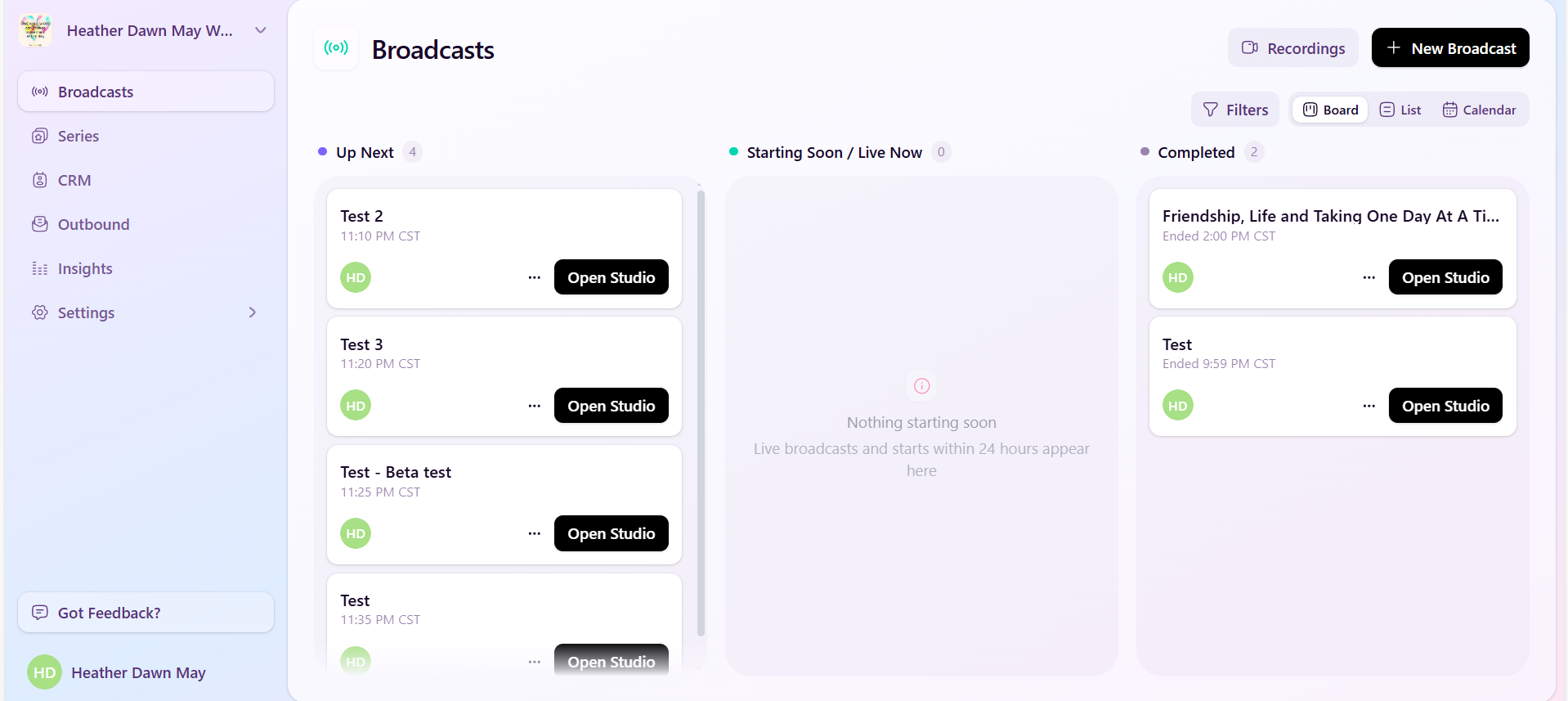
I will record a Broadcast and there is no way to record nothing shows up to let me even record. If I set up to record a Series, it will let me record. Series it will show me a place to record a Series. If I just want to record a Stream/(It will show the name but will not let me just record. It never shows up.
Hi Heather, When you say you record a broadcast and it never shows up, would you mind adding a bit more information to help us unearth what the issue might be here? Are you not seeing the recording in the recordings area, for example, or in the recordings list in the streaming studio, or perhaps, as an attendee, that you are not seeing the recording? Any extra information that you can share would be super helpful.
Hi Heather, Thanks for the follow-up. I must confess though, I'm still not quite understanding the specific issue you are having here. In case it's helpful and to provide a bit of context, recording happens automatically when you go live in a live broadcast. You'll need to open the studio and click the go live button. Once you start streaming, the recording automatically happens in the background. Once you stop the stream and finish broadcasting, the recording will be available within about 5-10 minutes for you to download. On the main broadcasts page, if you look in the header, you'll see that there's a recordings button up there as well. That will also give you a full list of all the various recordings, should you need to. Alternatively, you can just click the "..." button on the broadcast from the broadcasts list page, and you'll see there's an option there to download the recording for an individual broadcast if you need to. I hope this helps clarify. I'll mark this item as closed for now, as it sounds as though you were just unsure where to find recordings. If you do still have a bug here or an issue regarding recordings that you want us to look into, please let me know and we'll reopen this ticket.