Bugs

Manage and Connect HeySummit Account "Status View?"

9mo agoCompleted

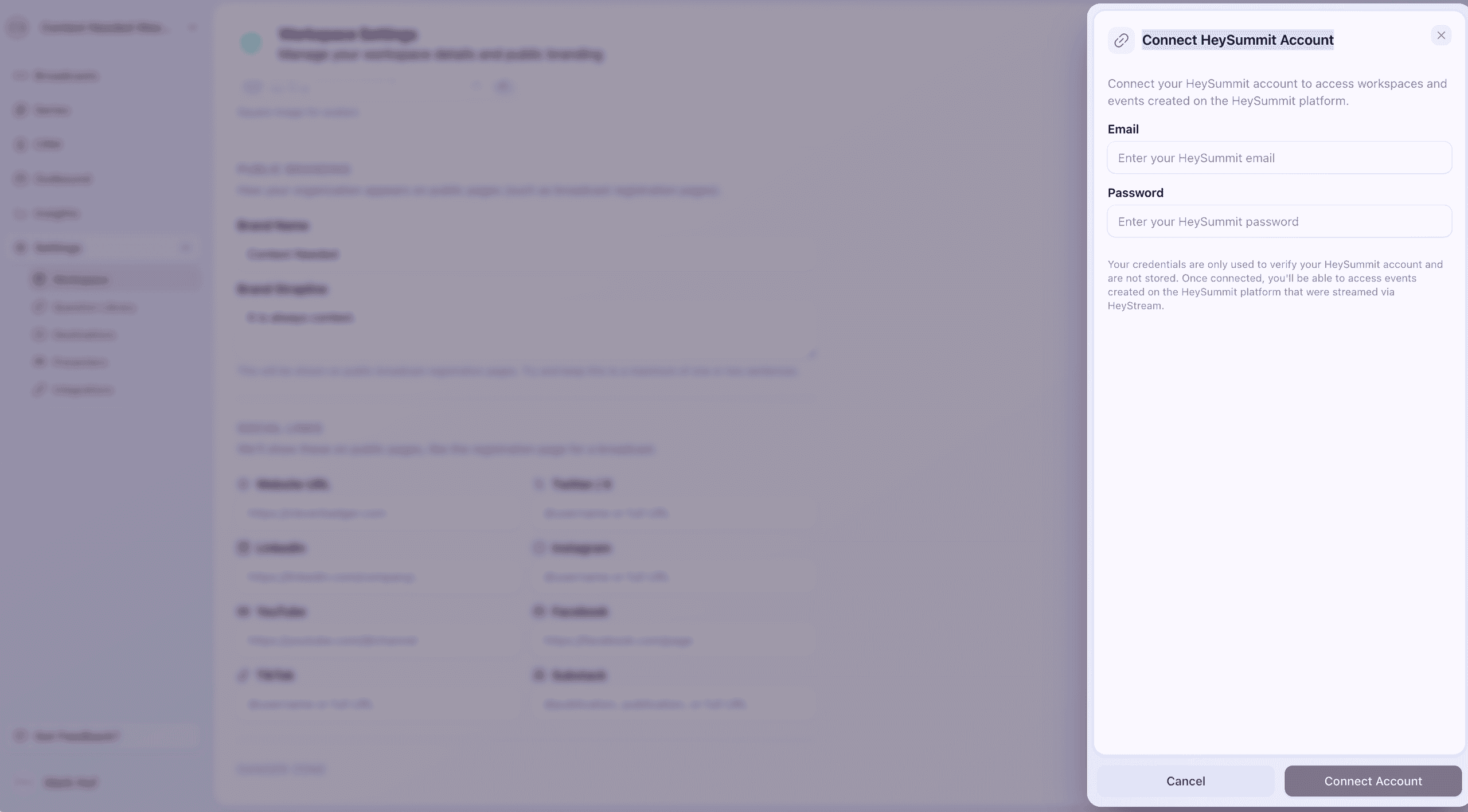
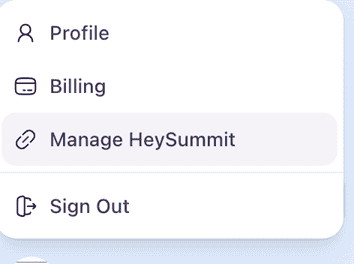
I can connect to HeySummit via "Manage HeySummit" and login via the "Connect HeySummit Account" pop-up (or rather, slide-in from the right) window.I get shown:Account ConnectedYour HeySummit account is successfully connected. You can now access workspaces created on the HeySummit platform.= = = =However, when I follow the same steps ( to check if the connection between HeyStream and HeySummit is made/ is active ) I get shown the same "empty"HeyStream pop-up page, prompting me to login to HeySummit (again 🤔).= = = =

  • img/95yndcuk60wshlmmwutck4xj
  • img/fn5sqtbgteegf388e9w1o0qc

4 comments

  1. Benjamin Dell marked this as Completed9mo ago
  2. Hi Mark! Just a quick note to let you know that this has now been resolved. If you click the connect HeySummit account option from the account menu in the sidebar, it will now confirm that you are already connected if that is the case.

    1. Mark Huf9mo ago

      Thank you, Ben. Can confirm it does as you describe(d) 👍

    2. Great, glad that's working. Thanks for confirming, Mark.

  3. Benjamin Dell marked this as In Progress9mo ago
  4. Benjamin Dell marked this as Planned9mo ago
  5. Benjamin Dell marked this as In Review9mo ago
  6. Hi Mark,

    Thanks for raising this with us. We're looking into this right now. I'll report back ASAP.