
Bring more of your live show on screen
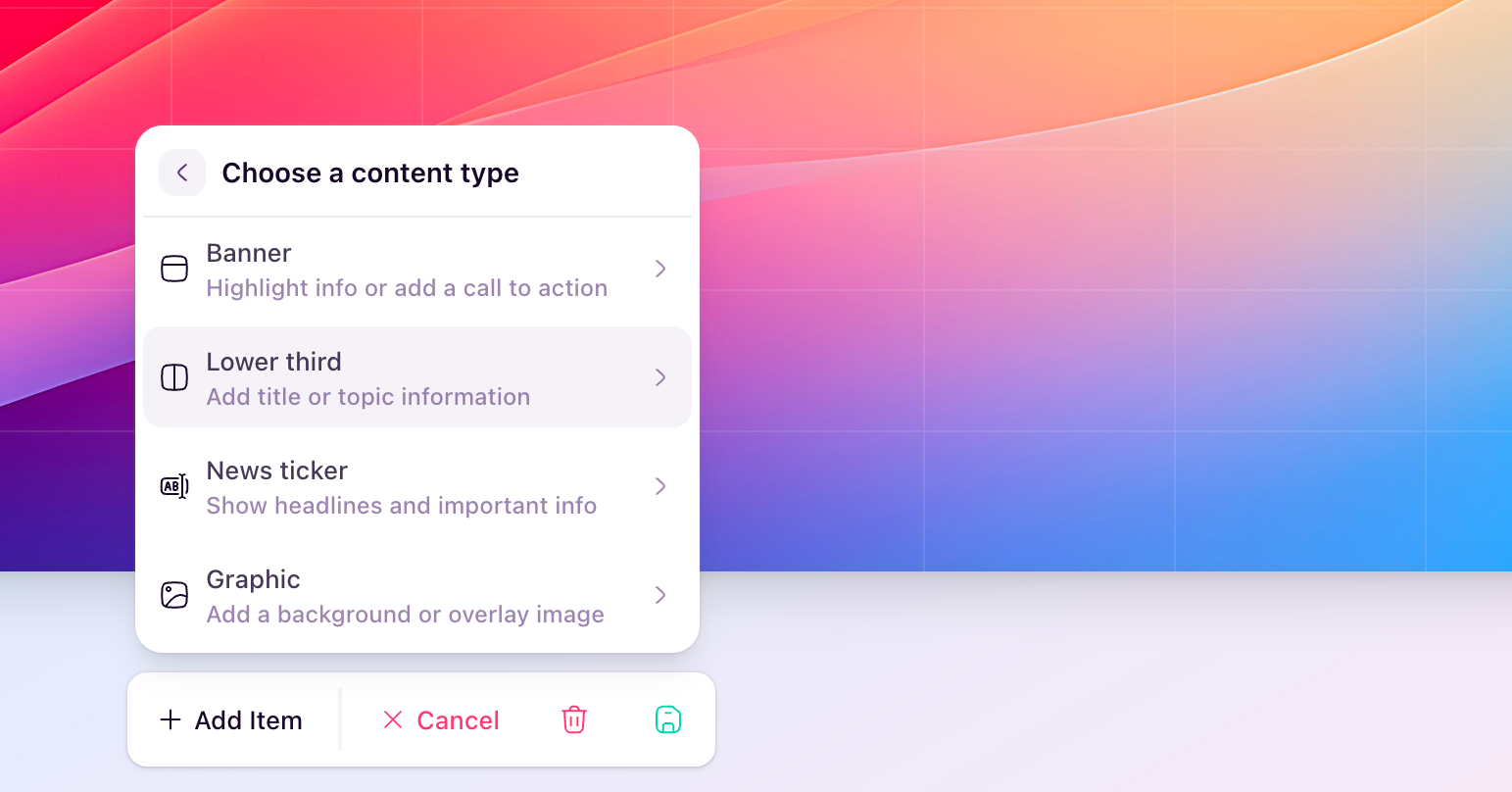
You can now add on-screen content and reusable scene overlays in HeyStream, making it much easier to highlight key moments and give your broadcasts a more polished, intentional feel. You can show banners, lower thirds, tickers, and graphics, bring chat messages, Q&A, polls, or insights onto the stream, and save full overlay scenes so you can bring them back again in a click.
This is especially useful when you want to introduce speakers, reinforce a key message, highlight audience interaction, keep a call to action visible, or add branded graphics without interrupting the flow of your session.
To try it out, open any broadcast in the Studio and look for On-screen content and Scenes in the live controls bar. You can also head to Design in the Studio sidebar to adjust how promoted content (such as chat, Q&A and live polls) appear on screen.