
Broadcasts Calendar View for Faster Scheduling
Benjamin DellFounder
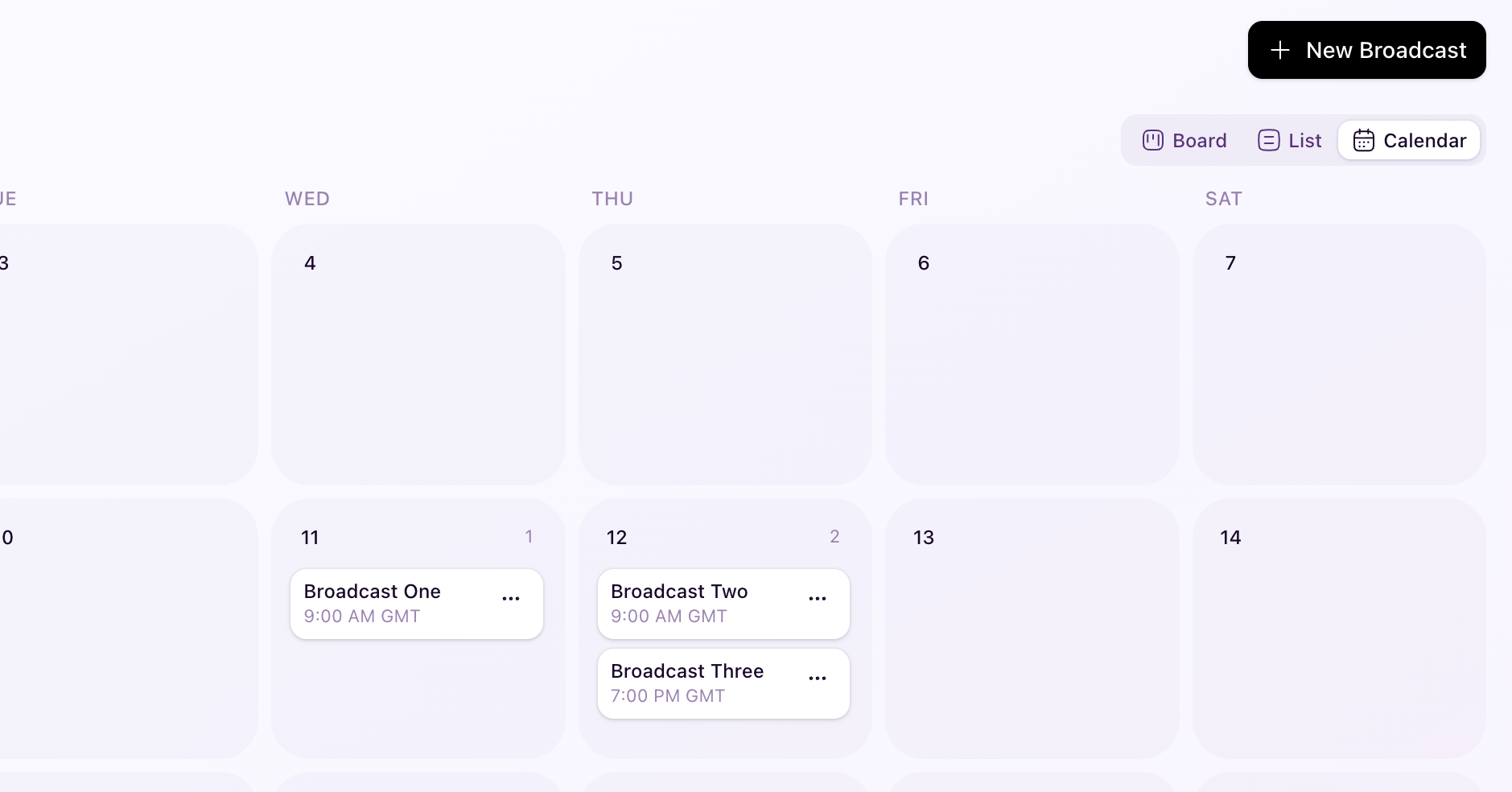
You can now manage broadcasts in a full month calendar view on the Broadcasts page. You can drag and drop broadcasts to reschedule them by day, move unscheduled broadcasts onto a date, and move scheduled broadcasts back to No Schedule Set. Calendar cards also include the same quick actions you use in other broadcast views.
This makes planning and last-minute schedule changes much faster, with immediate visual feedback so you can confirm updates at a glance.
You’ll notice this in Broadcasts → View toggle → Calendar.