
Check your connection before going live
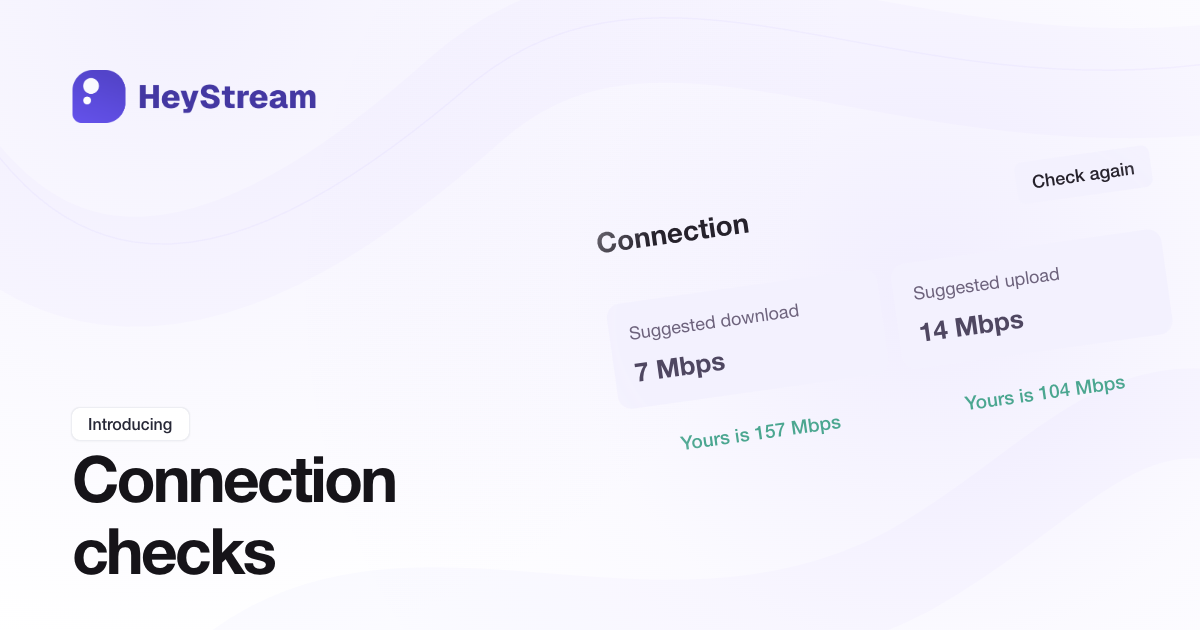
You can now check your upload and download speeds against recommendations for your current Studio setup before going live. Hosts and co-hosts can find Check connection in Studio > Broadcast > Diagnostics > Connection.
Compare Yours is with Suggested upload and Suggested download to see where your connection may struggle. Separate warnings help you distinguish trouble sending the broadcast from trouble receiving other presenters. Where your plan and setup allow it, View settings can suggest Cloud streaming to reduce upload requirements.
Run a check before going live or after stopping. Recommendations are estimates for your setup, and checks are unavailable while a broadcast is starting, live, or stopping. You can still see connection warnings while live.