
Import contacts from CSV
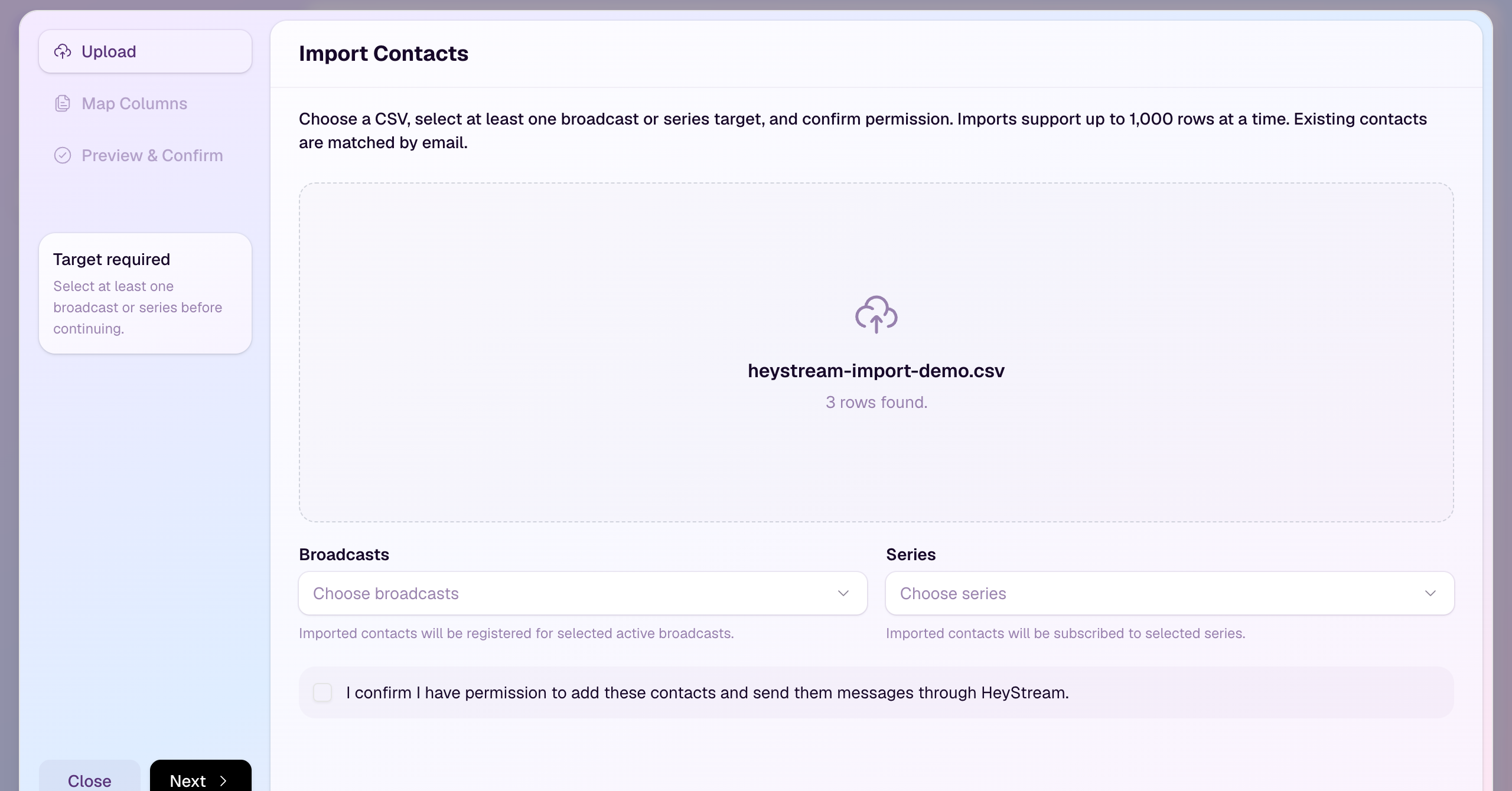
You can now import contacts into HeyStream from a CSV file, then link them directly to broadcasts or series.
Upload a CSV, map the Name and Email columns, review which rows will create or update contacts, and confirm permission before the import runs. HeyStream checks for duplicates, invalid emails, and suppressed contacts before adding the list to your workspace CRM.
For teams bringing an existing audience into HeyStream, this removes the manual step of creating contacts one by one before registration, follow-up, or audience reporting.
Open Contacts and click Import Contacts to upload your first CSV.