
new feature
Prepare broadcasts before opening the Studio
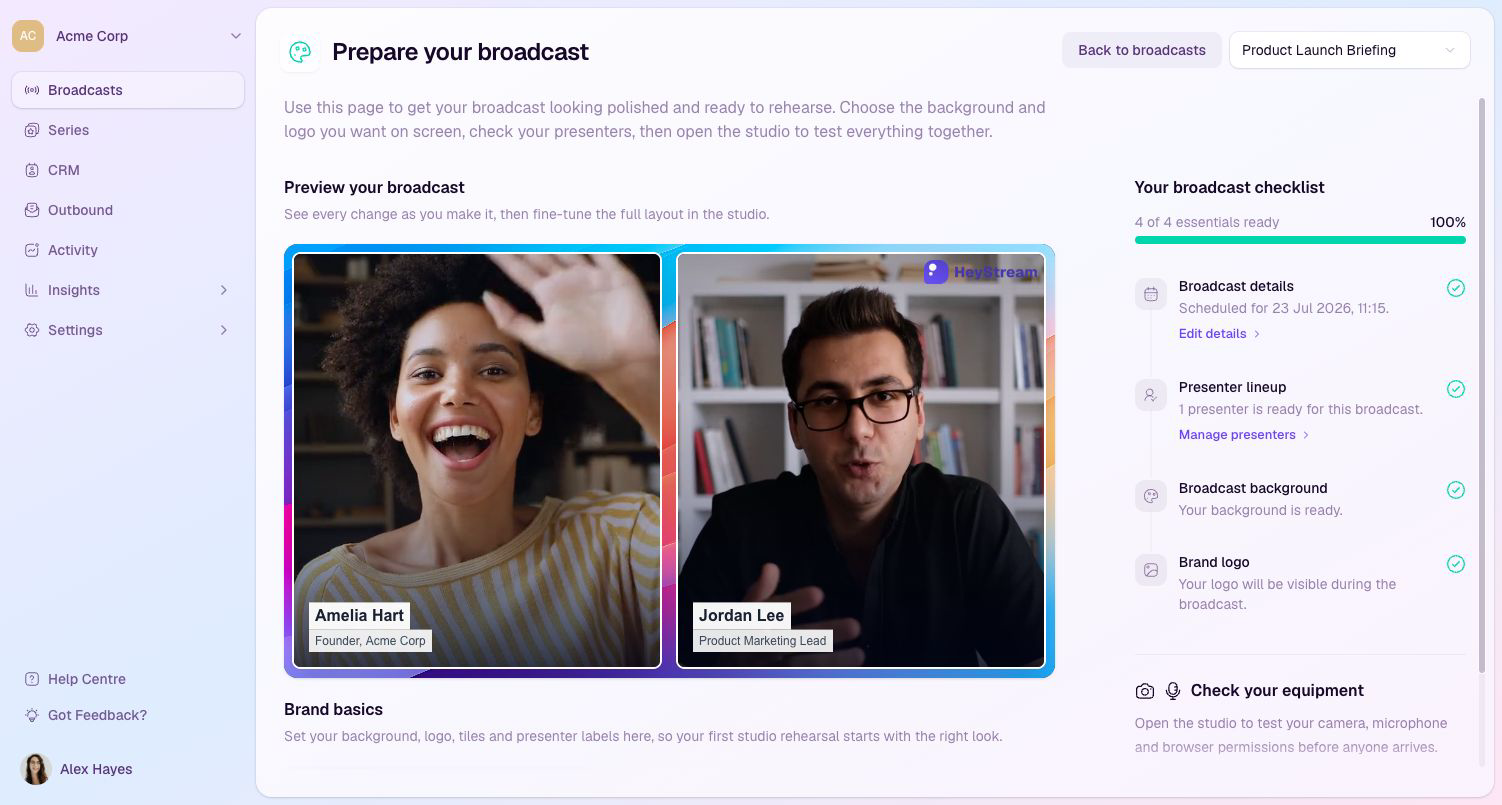
Planning and rehearsing a broadcast no longer has to start inside the Studio.
From a broadcast’s actions menu, choose Prepare broadcast to review its details and presenters, set the background, logo, video tile style, and presenter labels, and use the readiness checklist to see what still needs attention.
Choose Prepare calls to action to create or reuse CTAs, preview them over the broadcast, and add them before rehearsal. When everything is ready, open the Studio to test equipment and rehearse the full experience.
See the Help Centre guides for preparing and running a broadcast and preparing live and replay CTAs.
new feature