
Use your own domain for public broadcast links

Benjamin DellFounder
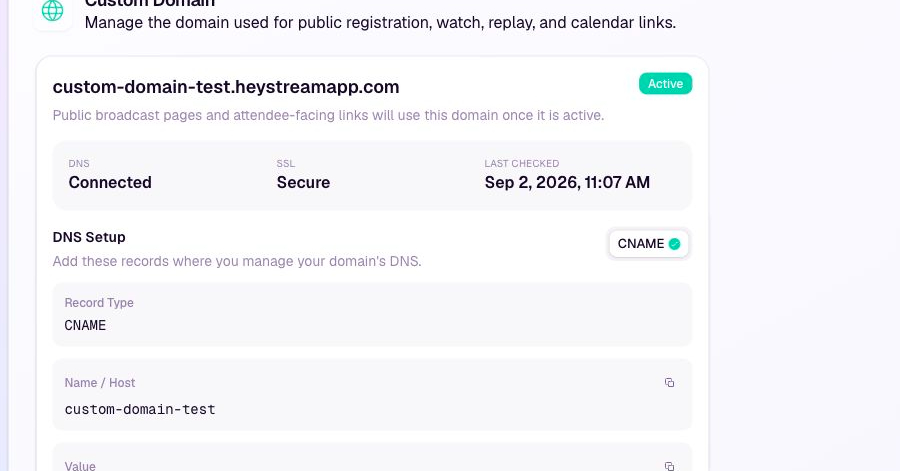
You can now connect a custom subdomain to your HeyStream workspace and use it across the public attendee journey.
Once the domain is active, public registration pages, live watch pages, replay links, and calendar links can use your branded address. HeyStream verifies the DNS connection and secures the domain automatically.
Workspace owners and admins can set this up under Workspace settings > Custom Domain. Add the DNS records shown by HeyStream, then follow the connection status until both DNS and SSL are active.
Built from your feedback